Store crypto amounts as integer minor units
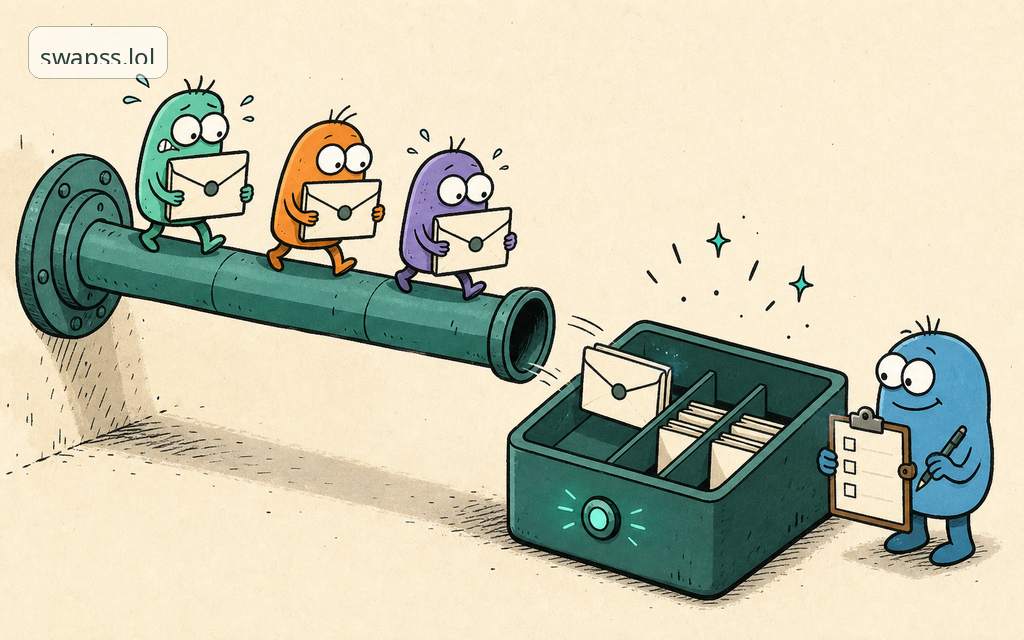
Floats lose money. Store every crypto payment amount as an integer in the asset's smallest unit, and convert to a decimal string only when you show it.
The short answer
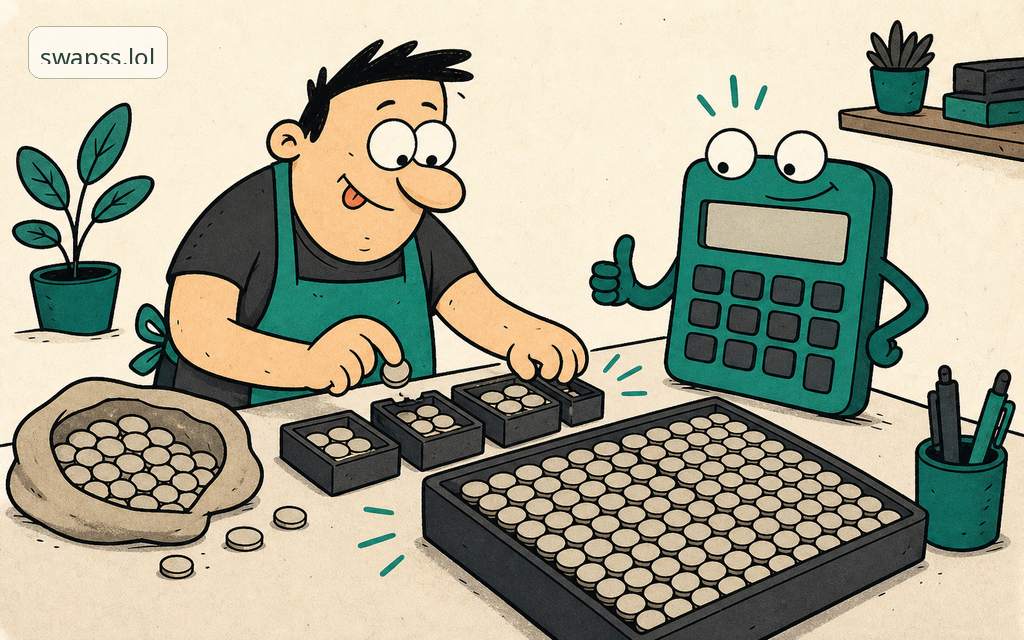
Store every crypto payment amount as an integer counted in the asset's smallest unit. Never store it as a float. A float like 0.1 cannot be represented exactly in binary, so arithmetic on it drifts by tiny amounts, and tiny amounts of money are still money. The fix is boring and total: keep the amount as a whole number of minor units (satoshis, wei, the token's base unit), do all math on that integer, and convert to a human decimal string only at the edge, for display.
That is the whole rule. The rest of this guide is how to apply it without getting bitten.
What a minor unit is
Every asset has a decimal precision. The amount a user sees is the integer divided by ten to the power of that precision.
- Bitcoin has 8 decimals.
1 BTCis100000000(one hundred million) minor units, called satoshis.0.001 BTCis100000. - A USDT-style token with 6 decimals:
1 USDTis1000000minor units.12.50 USDTis12500000. - An 18-decimal asset:
1.0is1000000000000000000. That number does not fit in a 32-bit or 64-bit integer, which is the next trap.
So two facts travel with every amount: the integer value and the decimals for that asset. Store both. Never hardcode 8 or 6 or 18 in one place and assume it everywhere.
Why floats lose money
A float is a binary approximation. 0.1 + 0.2 is not 0.3 in most languages, it is 0.30000000000000004. Run that across thousands of invoices and you get balances that do not reconcile, payouts that are off by a hair, and an audit you cannot close.
Three concrete failures show up again and again:
- Rounding drift. You sum float line items, round for display, and the sum of the rounded parts no longer equals the rounded sum. Your invoice total and your ledger disagree.
- Precision loss on large numbers. A JavaScript
numberis a 64-bit float and loses integer precision above2^53. An 18-decimal amount blows past that instantly. Parsed as anumber, the low digits silently vanish. - Equality that lies.
if (paid == invoiced)on floats can be false even when the chain paid the exact amount, because one side went through a float and got nudged.
Integers have none of these problems. Addition, subtraction, and comparison on whole numbers are exact by definition.
How to store it
Use an integer type wide enough to never overflow, or a fixed-point decimal type that your database stores exactly.
- In the database:
NUMERIC(38, 0)(a 38-digit integer, no fractional part) or a big-integer column. NotFLOAT, notDOUBLE, notMONEY. - In code: a big-integer type.
BigIntin JavaScript/TypeScript,intin Python (it is arbitrary precision),BigIntegerin Java,u128/i128or a bigint crate in Rust,math/bigin Go. Avoid native 64-bit ints for 18-decimal assets. - On the wire (JSON): send the amount as a string, not a JSON number. JSON numbers get parsed as floats by many clients, which reintroduces the bug you just fixed. A string like
"12500000"survives the trip intact.
When you receive an amount from our payment API, treat it the same way: it is an integer count of minor units, paired with the asset's decimals. Compare what was paid against what was invoiced as integers. Equal means equal.
Convert at the edge, for display only
The only place a decimal point belongs is the screen. Convert the integer to a string when you render it, and parse a user's typed decimal back into an integer the moment it enters your system.
Display (integer to string), for 6 decimals:
amount = 12500000
whole    = amount / 1_000_000        // 12
fraction = amount % 1_000_000        // 500000, left-padded to 6 -> "500000"
display  = "12.500000"               // trim trailing zeros if you like: "12.5"
Input (string to integer), for 6 decimals:
user typed "12.5"
split on "."  -> whole "12", frac "5"
right-pad frac to 6 -> "500000"
amount = 12 * 1_000_000 + 500000 = 12500000
Do this with string operations or a decimal library, not by multiplying a float by 10**decimals. 0.1 * 10**18 in floating point does not give you a clean integer.
Common mistakes
- Parsing the amount as a JSON number. Read it as a string and convert deliberately. A
numberhas already lost precision before your code runs. - Using one decimals value for every asset. A 6-decimal token and an 8-decimal coin do not share a divisor. Carry the asset's precision with the amount everywhere.
- Rounding mid-calculation. Round once, at display time, and never feed the rounded value back into math. Keep the integer as the source of truth.
- Native 64-bit ints for 18-decimal assets. They overflow. Use a big-integer type end to end.
- Float equality on payment checks. Compare integers.
paid_minor == invoiced_minoris the only honest test. - Formatting with a thousands separator before storing.
"1,000"is display. Strip separators on input; never store them.
Where this fits
Everything our payment API hands you is already in integer minor units with the asset's decimals attached, so the safe path is to keep it that way through your database and your ledger, and convert only when a human looks at it. The public integration contract for SwapSS Pay is built around this. Decimals per asset and per network are listed under supported networks. If a balance ever fails to reconcile and you have ruled out a float, our human support handle @swappsy can help you trace it.
The principle is older than crypto: count the smallest unit, store it as a whole number, and put the decimal point in only at the last possible moment. Do that and your books will close to the last satoshi.
Next step
Turn this into action
Use the related SwapSS Pay docs before you build or test an integration.
- Idempotency docs Use retry-safe keys for payment and application requests.
- Reconciliation guide Map payment events back to ledger and finance records.
- Balance docs Review merchant balance and payout surfaces.