Every Crypto Swap Status, and How to Unstick One
What each swap status means in plain words, what to do at every step, and when a wait is normal versus when to message a real human.
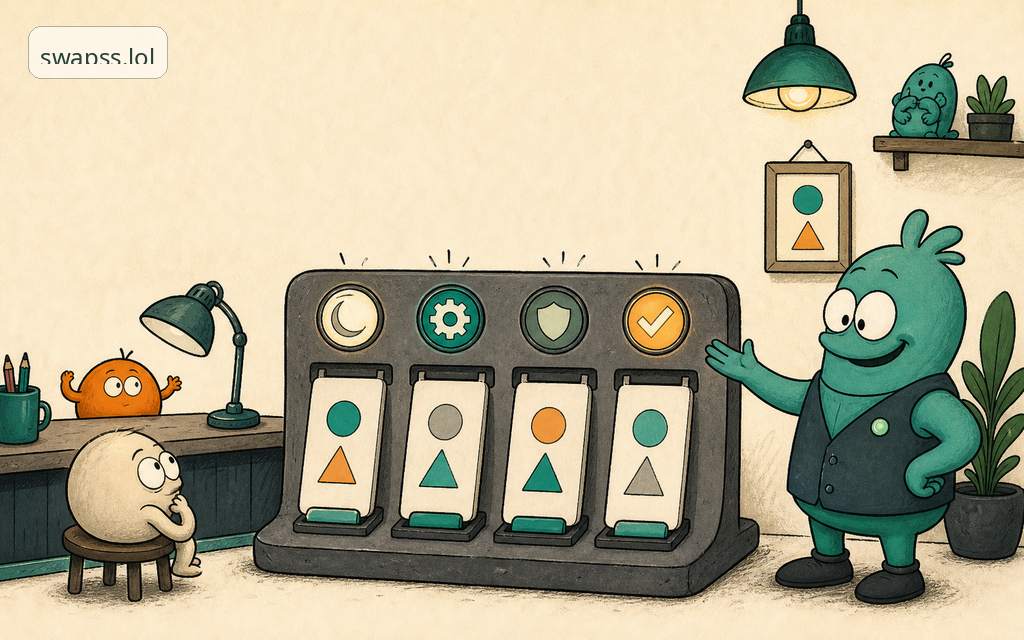
A crypto swap moves through a fixed set of statuses: awaiting deposit, confirming, exchanging, sending, and done. Two more exist for when things go sideways: refunded and needs a look. Most "stuck" swaps are not stuck. They are waiting on the blockchain, which has its own clock and does not care that you are watching. Below is what each status means, what you should do, and the point where it is worth messaging a human.
The normal path, status by status
A swap is one order from start to finish. You send one deposit, and you get one payout. The status just tells you where in that single trip your money is.
Awaiting deposit
We have your order and we are waiting for your coins to arrive. Nothing happens until you send the deposit to the address shown on your order page.
What to do: send the amount shown, to the address shown, on the network shown. All three have to match. The right coin on the wrong network is the most common way to lose funds, and it is not a SwapSS rule, it is how blockchains work. If your order says the deposit is on one network, do not send from a different one because the address looks similar.
This status can sit for a while, and that is fine. The clock that matters is your wallet's, not ours. Once your wallet broadcasts the transaction, the status moves on its own.
Confirming
Your deposit is on the chain and we are counting confirmations. A confirmation is a block built on top of your transaction. More confirmations means the network agrees your payment is final and will not be reversed.
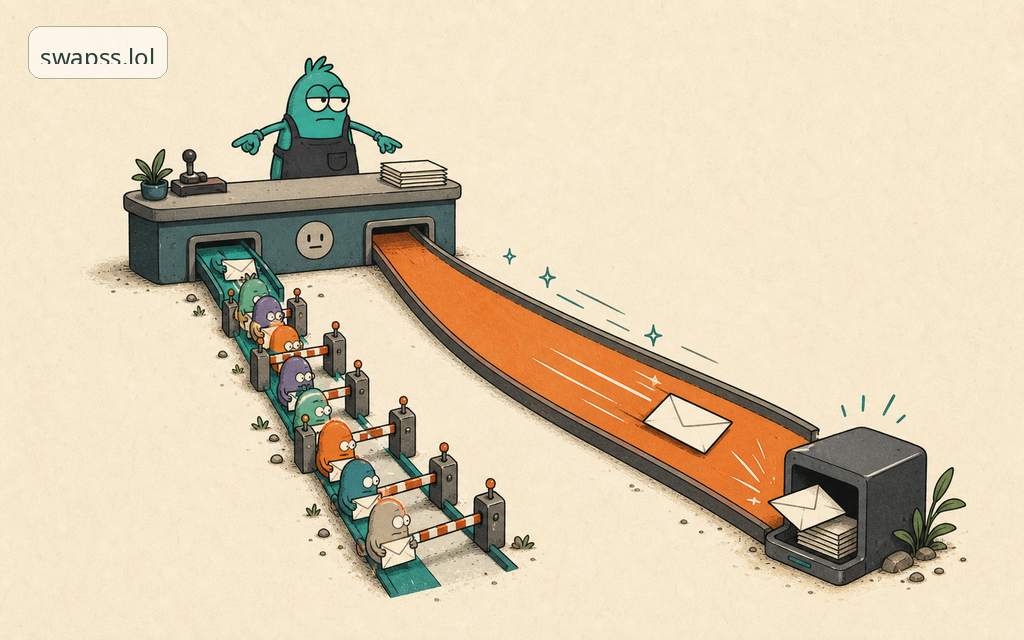
What to do: wait. This is the step people mistake for "stuck" most often. Some networks confirm in seconds. Others take ten, twenty, sometimes forty minutes when the chain is busy. Bitcoin in particular is slow by design. If you want to know roughly how long a given coin takes, see supported networks.
You do not need to do anything here. Refreshing the page faster does not add confirmations.
Exchanging
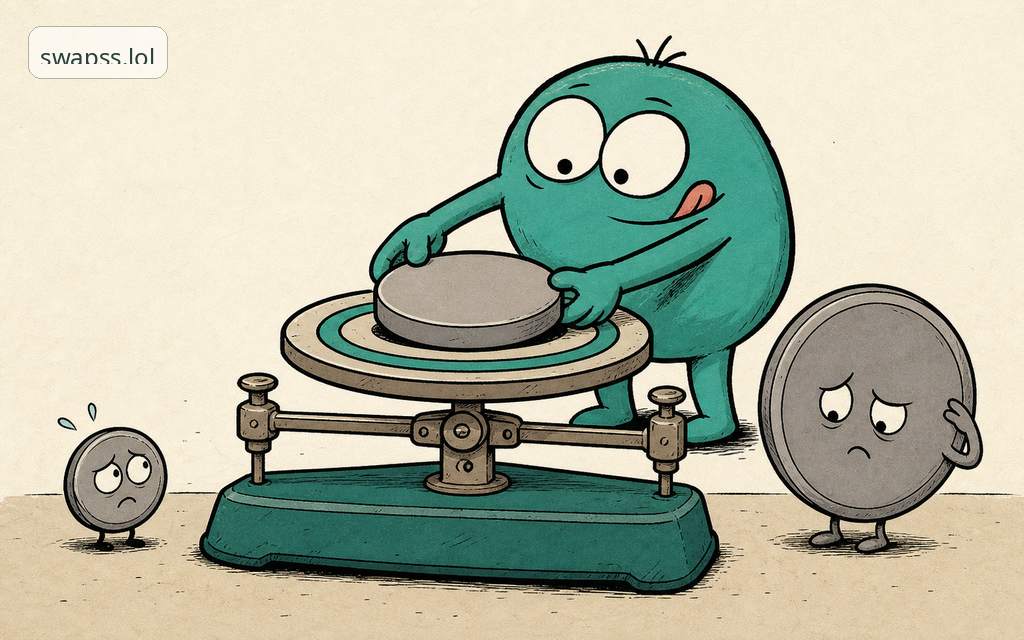
Your deposit is confirmed and the swap itself is running. Your coins are being converted to the asset you asked for at the rate you saw before you started.
What to do: nothing. This step is usually quick. The rate you were shown is the rate that applies. You see the rate first, before you commit, so there are no surprises at this stage.
Sending
The conversion is done and your payout is being broadcast to your address. The transaction is built and on its way to the network.
What to do: wait for the network to confirm the outgoing transaction, exactly like your deposit had to confirm. Once it lands, you will have a real transaction link you can open in a block explorer. That link is your proof. It is not a placeholder.
Done
The payout confirmed on-chain and the coins are in your wallet. The order is closed. The transaction link on your order page is the receipt. Save it if you want a record.
When it is not the happy path
Two statuses mean the order took a different route. Neither means your money vanished.
Refunded
Something made the swap impossible to complete as ordered, so the funds are returned instead. The usual causes are honest ones: the deposit arrived after the rate window closed, the amount did not match, or the network changed conditions mid-flight. If a refund happens, it goes back to the address you can return to, and you will see a transaction link for the refund the same way you would for a payout.
What to do: open the refund transaction link to confirm it landed. If the order says refunded but you do not see a link or the coins after the network's normal confirmation time, message support.
Needs a look
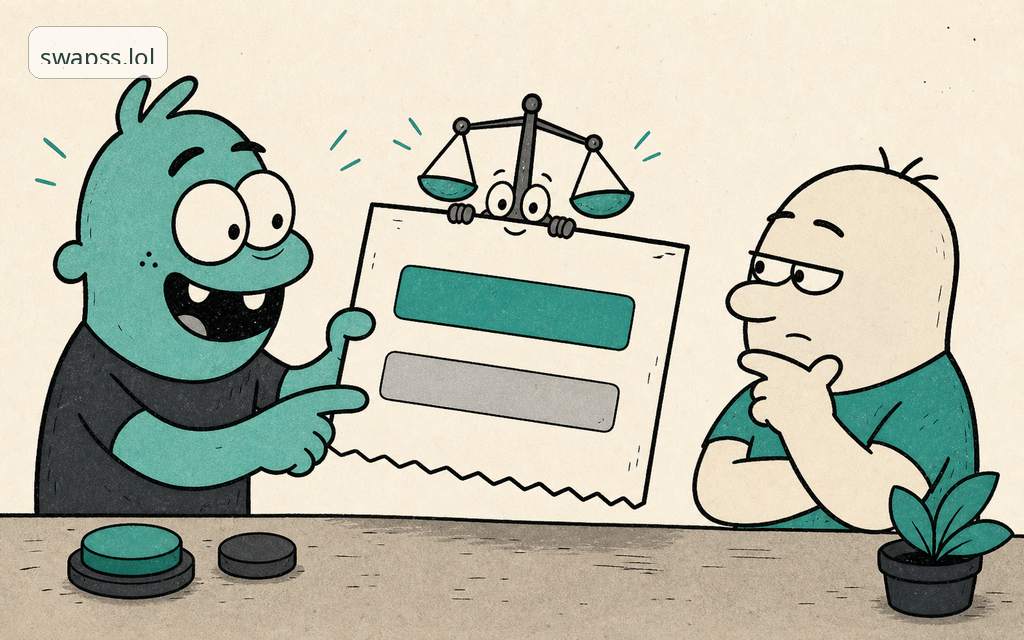
This is the honest status. It means the automatic system was not certain about something and stopped instead of guessing. We would rather pause and have a person check than send the wrong amount to the wrong place. Common triggers: a deposit that does not match the order cleanly, an underpayment or overpayment, a deposit in a different coin than expected, or a network event we want a human to confirm before money moves.
What to do: this is the one status where you should reach out. We may already be on it, but message support so you are in the loop and can give any detail we need.
What can go wrong, and how to read it
Most real problems are not the status itself, they are the inputs to it.
- Wrong network on deposit. You sent the right coin but chose a different network than the order asked for. This is the classic one. Always match coin and network to your order page before you hit send in your wallet.
- Amount does not match. You sent more or less than the order. The swap usually still resolves, but it may move to refunded or needs a look. Send the amount shown.
- Deposit looks gone. Check the transaction in your own wallet first. If your wallet shows it sent but our page still says awaiting deposit after the network has confirmed it, that gap is worth a message.
- It has been minutes and nothing moved. On a slow chain, minutes are normal. Confirming and sending both depend on block times we do not control. A quiet status is usually a patient one.
When to message a human
The support handle is @swappsy. It is a real person, not a bot, and you can write in plain language. Reach out when:
- your order says needs a look
- it says refunded but you cannot find the refund after the network's normal confirmation time
- your wallet clearly shows the deposit sent and confirmed, but the order still says awaiting deposit
- you sent on the wrong network and need help understanding your options
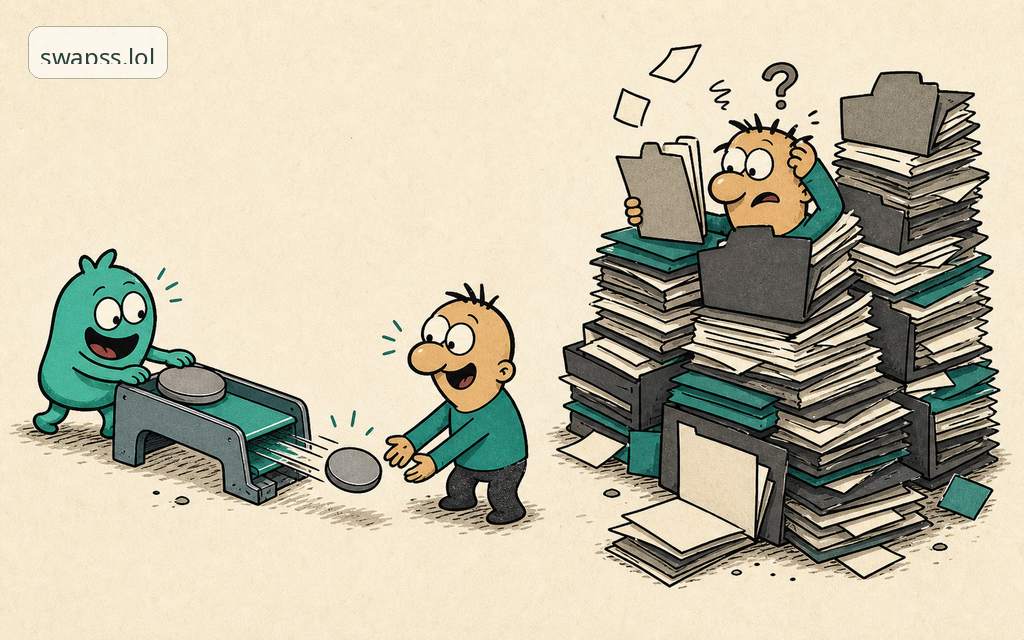
Have your order link or order ID ready. That one detail lets us find your exact swap in seconds instead of asking you twenty questions.
For most swaps you will never need any of this. You send, you wait through a few statuses, and the coins arrive with a transaction link to prove it. The statuses exist so you always know where your money is, never so you have to guess. Ready to start? Open the exchange.
Next step
Turn this into action
Use the related guides before you open or troubleshoot a swap.
- Order support Check what to include before asking for help.
- Swap flow guide Understand the account-light exchange model before opening an order.
- Refund basics Know when a refund path matters and what evidence helps support.