Why You Should Send the Exact Amount
The amount on screen is locked to the rate you were quoted. Send a different number and the rate may no longer hold, so your swap needs a manual look before it can finish.
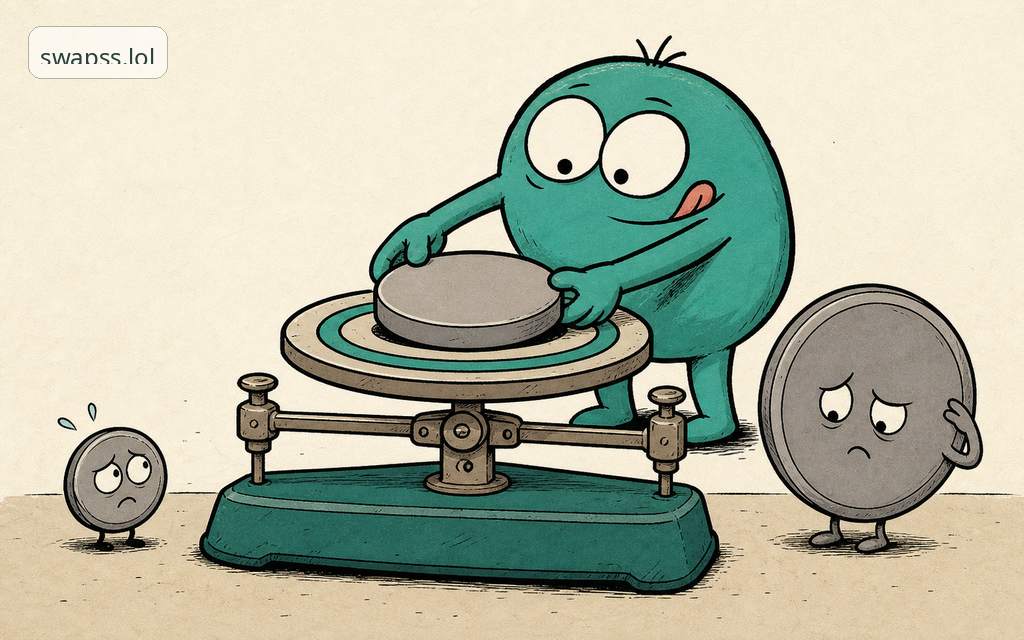
The short answer
Send the exact amount shown on screen because that number is bound to the rate you were quoted. When you confirm a swap, we lock the rate to the amount displayed. Send a smaller or larger amount and the math no longer matches the quote you agreed to, so your swap drops out of the automatic path and a person has to look at it. That look takes time you did not have to spend.
Nothing is lost when this happens. But the fast, hands-off result you wanted turns into a wait. Copying the exact figure is the single easiest thing you can do to keep a swap quick.
Why the amount and the rate are tied together
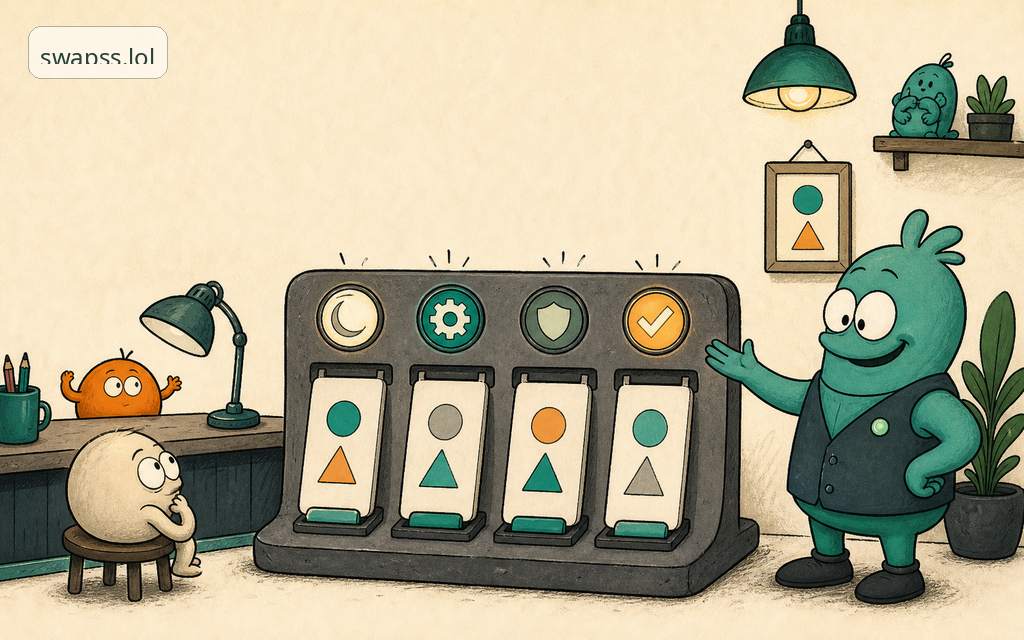
A crypto rate moves every few seconds. To give you a price you can actually trust, we freeze it for a short window and tie it to one specific input amount. That frozen pair, the amount and the rate, is your quote.
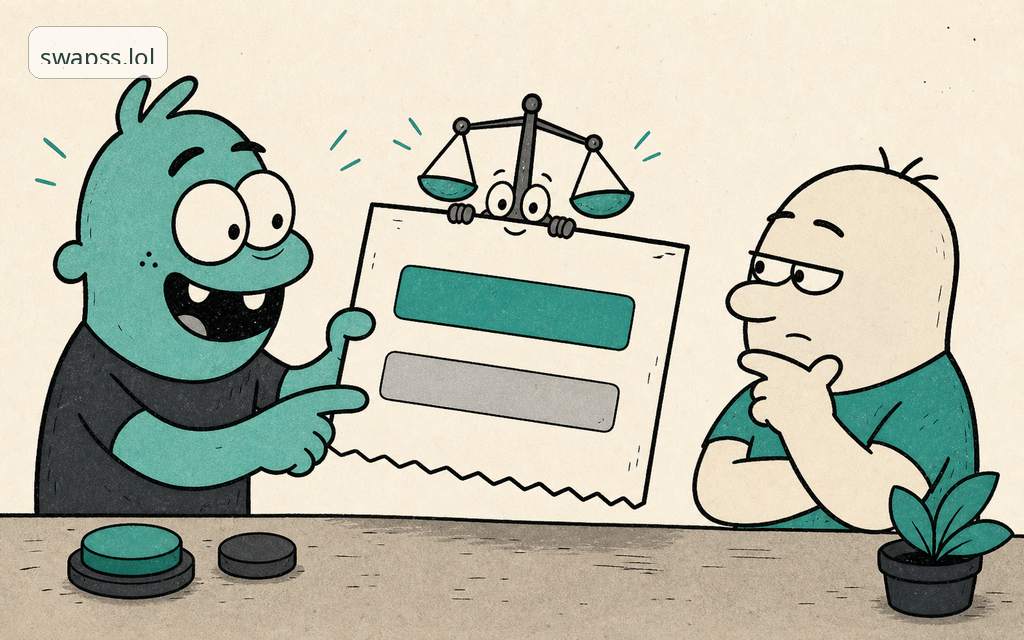
Think of it like a price tag that is good for the next item, in the exact size shown. Bring a different size to the counter and the old tag stops applying. The store still helps you, but someone has to re-price it by hand.
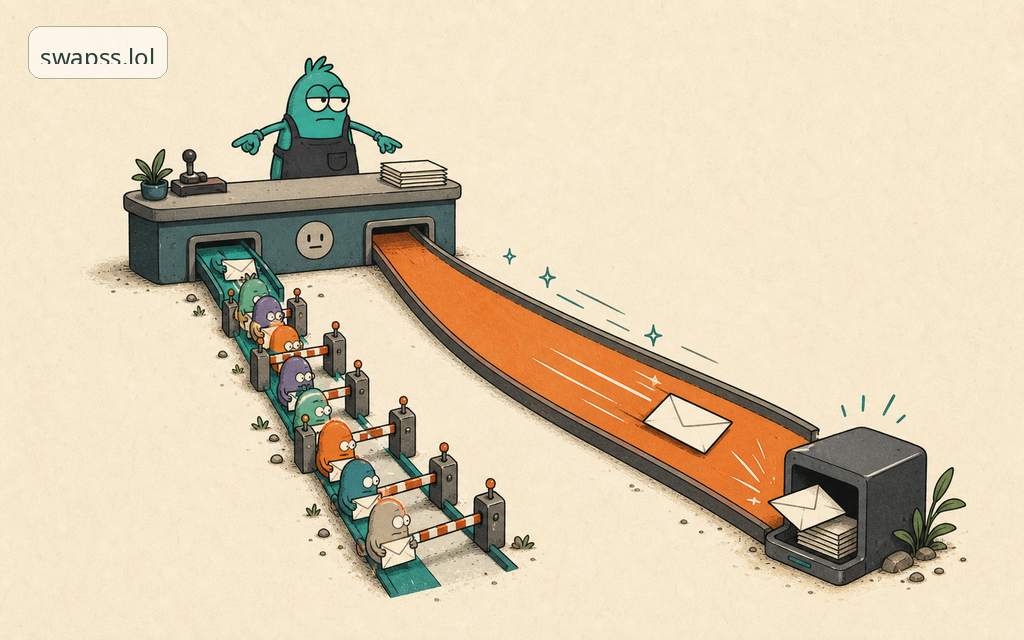
When the deposit we receive matches the quoted amount, the whole thing runs on rails: confirmed, converted, and paid out without anyone touching it. When it does not match, the rails end and the manual review begins.
What happens if you send a different amount
Three common cases, and what each one means for you.
You send less than the quote
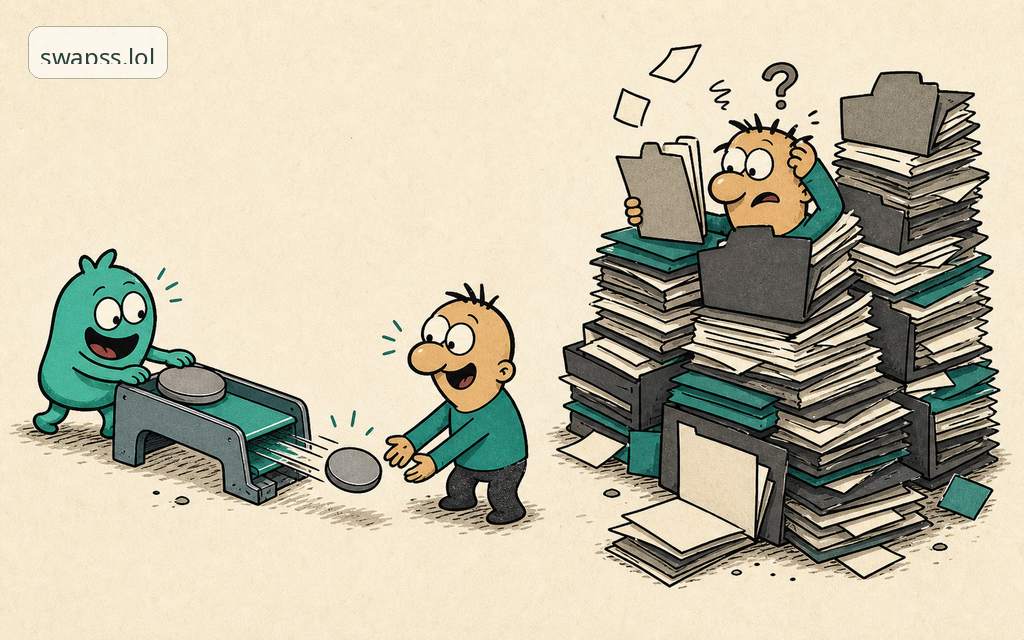
The swap cannot complete at the rate you were shown, because there is not enough to cover it. We hold what arrived and a person reviews it. You will usually be offered the swap at a fresh current rate, or your funds back. Either way it is slower than if the amount had matched.
You send more than the quote
The extra is real and it is yours. It does not vanish. But it sits outside the locked quote, so it needs a manual step to either include it at a new rate or return it. Again, slower.
You send the right amount but the network shaves it
This is the one that catches careful people. More on it next.
The mistake almost everyone makes: network fees
The number we show is the amount we need to receive. The network you send across takes its own fee on top, and that fee comes out of your side, not ours.
So if the screen says send 100 of a token, sending exactly 100 from your wallet can mean we receive 99.7 after the network takes its cut. That is now an underpayment, and it triggers the slow path.
How to get it right:
- Copy the amount from the screen. Do not retype it. A single wrong digit is the most common reason a swap stalls.
- In your wallet, set the send amount so that the amount received equals what we showed. Most wallets let you enter the exact amount and add the network fee on top. Some default to subtracting the fee from your number, which is what causes the shortfall. Check which one yours does.
- Pick the right network for the asset. The same token can live on several networks, and a correct amount on the wrong network is a separate problem from this one. See supported networks and fees before you send.
- Confirm the amount and the address together, on the same screen, before you hit send.
Common mistakes
- Rounding the amount. Sending 0.05 when the quote said 0.0500001 is still a mismatch. Send the figure as shown.
- Letting the wallet deduct the fee from the displayed amount. This is the network-fee trap above. The received amount is what matters.
- Reusing an old quote. A quote is good for a short window. If you walked away and came back, start a fresh swap so the amount and rate are current.
- Sending from an exchange withdrawal that adds its own fee. Withdrawals from custodial accounts often subtract a flat fee. Account for it so the received amount still matches.
What to do if you already sent the wrong amount
Do not send a second transaction to "top up" unless you are told to. That can create a second mismatch on top of the first. Your funds are safe and recorded. Message @swappsy, a real human on our support handle, with your order details and we will sort it out. The review exists to protect your money, not to slow you down for its own sake.
The takeaway
The exact amount keeps your swap on the fast path. Copy the figure, make sure the network fee comes out of your side so the received amount matches, and confirm the amount with the address before you send. Get those right and the swap finishes on its own, the way it is meant to.
Ready when you are: start a swap.
Next step
Turn this into action
Use the related SwapSS Pay docs before you build or test an integration.
- Invoice docs Check amount and status behavior.
- Payment statuses Know when a payment needs review.
- Refund docs Review refund handling before support cases.